
Take the order. Keep the context.
From the first dish to the final special request, give every order a clear starting point.
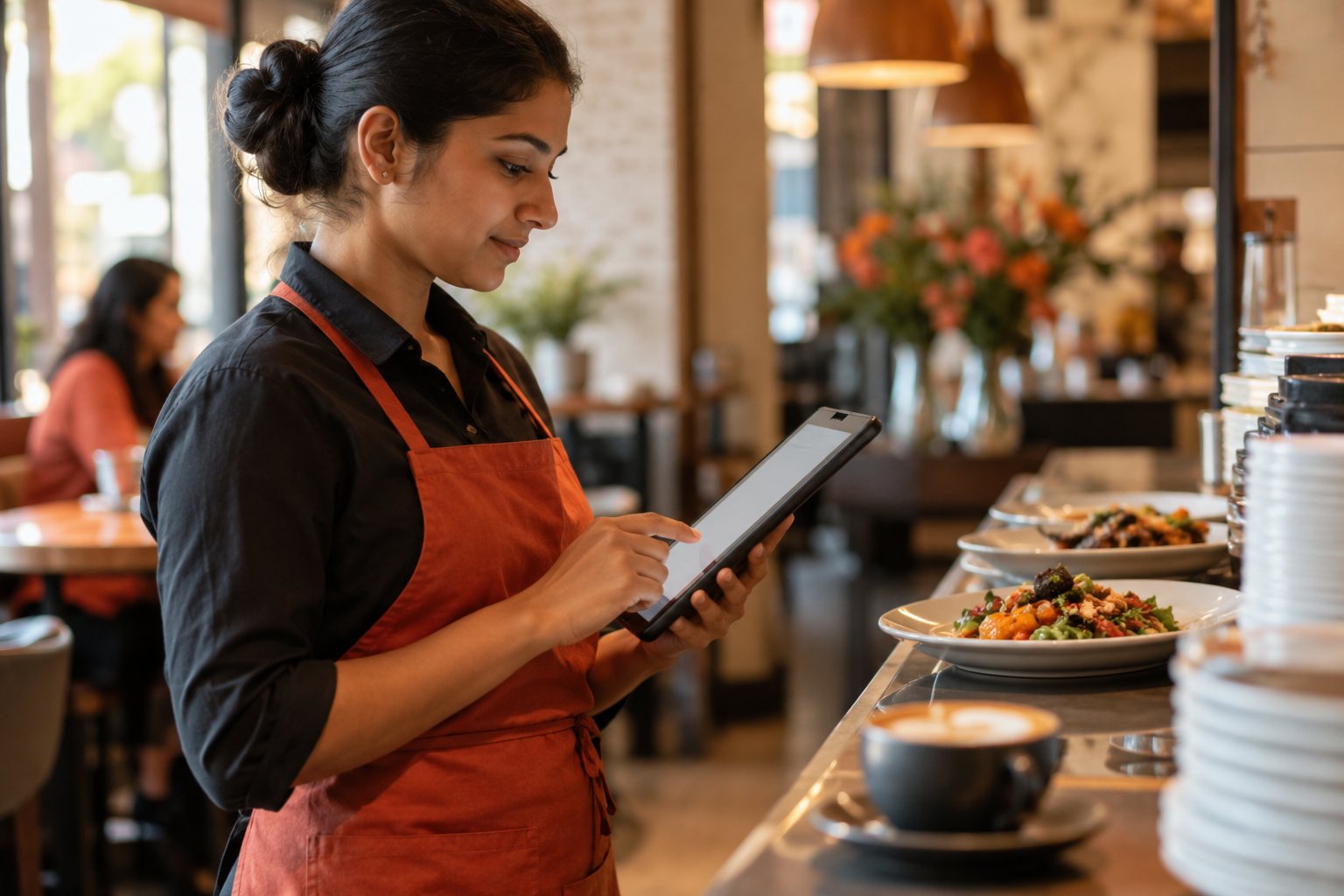
One menu, three service styles
Choose dine-in, takeaway or delivery when entering an order. The service type stays with the order as it moves through your workspace.
Notes that travel with the order
Add preparation notes and a table or guest reference, so the next person has the context they need.
Prices from your menu
Menuji calculates item subtotals from the saved menu prices and quantities. Prices are checked on the server when an order is submitted.
See the working view.
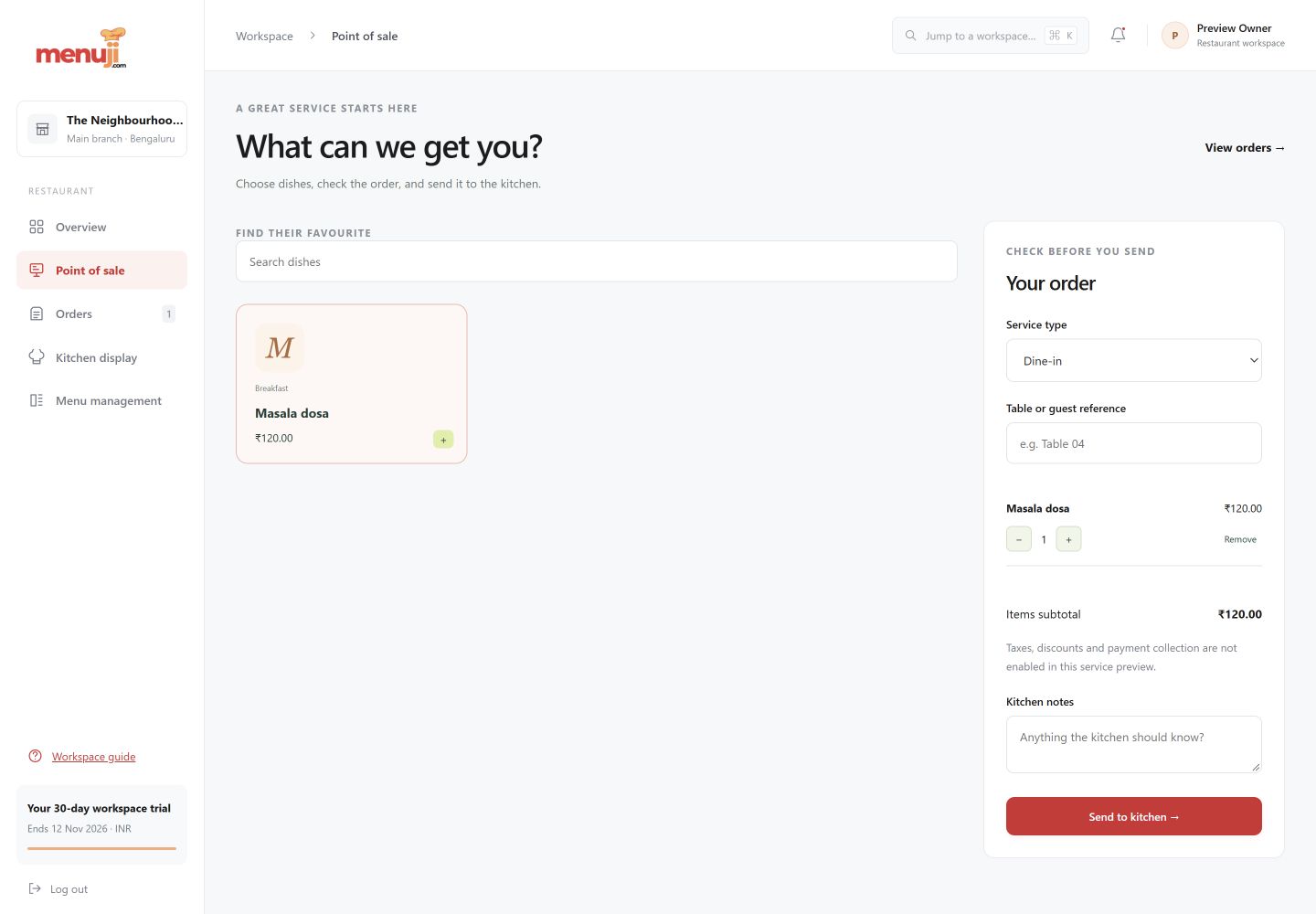
Three simple steps.
- 01
Choose the service type and reference.
- 02
Add available dishes and adjust quantities.
- 03
Add notes, review the item subtotal, and submit.
Current release.
This release covers order entry. GST invoices, payment collection, split payments, refunds and receipt printing are on the roadmap.
Feature questions.
Can I use Menuji POS for dine-in and takeaway?
Yes. Order entry supports dine-in, takeaway and delivery service types.
Does Menuji currently collect payments?
No. The current release records order item subtotals. Payment collection and tax invoicing are planned separately.
Your next service.
A clearer starting point.
Try the current Menuji workspace for 30 days. No card required to register.