
The details are still there after the rush.
Keep a usable record of what was ordered and where it reached in service, so follow-up has something concrete to work from.

Order context in one record
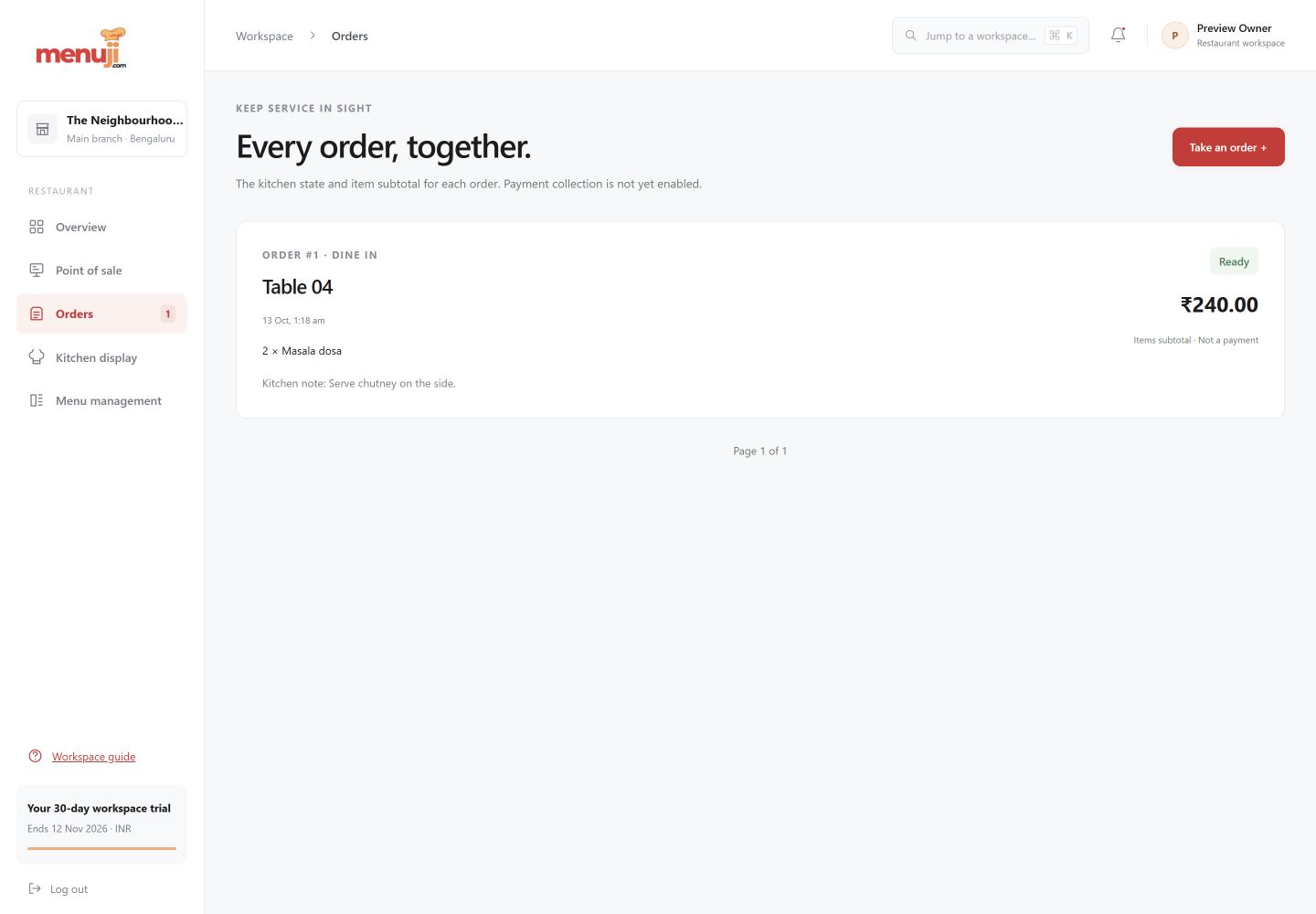
See items, quantities, notes and a table or guest reference alongside the service type.
A traceable service journey
Review order status changes rather than relying only on the current state of the kitchen screen.
A working history
Browse recent orders and their item subtotals. Use the record to review service activity with your team.
See the working view.
Three simple steps.
- 01
Open order history after or during service.
- 02
Review the order’s dishes, notes and service reference.
- 03
Use its status record to clarify the handover.
Current release.
Payment receipts, refunds, delivery-provider sync and customer loyalty histories are not part of the current order-history release.
Feature questions.
Does order history include item details?
Yes. The record includes ordered items, quantities, prices and notes.
Does Menuji integrate delivery marketplaces today?
No. Delivery is an order-entry service type; marketplace integrations are planned.
Your next service.
A clearer starting point.
Try the current Menuji workspace for 30 days. No card required to register.