
Local service. Clear subscription pricing.
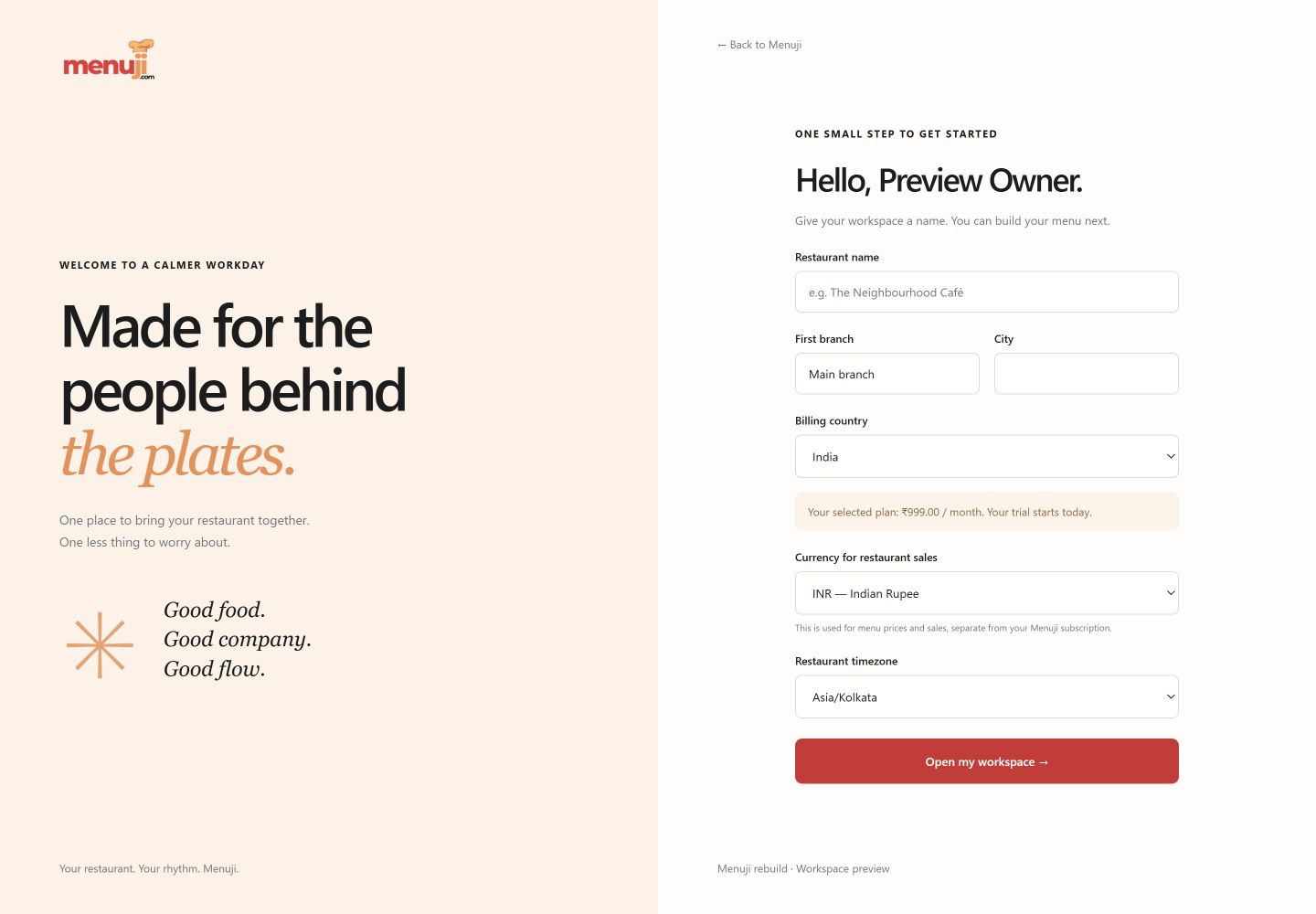
The currency on your menu and the currency of your software subscription serve different purposes. Menuji keeps them separate.

Your menu uses your sales currency
Choose from INR, USD, EUR, GBP, AED, SAR, SGD, AUD, CAD, JPY, KWD and BHD at restaurant setup.
Days follow your timezone
Set the restaurant timezone so today’s overview reflects the operating day you work in.
India and international plans
India subscription pricing is in INR. Outside India, subscriptions are priced in USD. This does not automatically convert menu prices.
See the working view.
Three simple steps.
- 01
Choose your billing country during setup.
- 02
Select a currency for your restaurant’s menu prices.
- 03
Set the operating timezone and review your plan.
Current release.
Automatic exchange-rate conversion, multilingual interfaces and country-specific tax compliance are not included in this release.
Feature questions.
Can my sales currency differ from my subscription currency?
Yes. A restaurant outside India can select a supported local sales currency while its Menuji subscription is priced in USD.
Does Menuji automatically convert exchange rates?
No. The current release formats prices in your selected currency without automatic exchange-rate conversion.
Your next service.
A clearer starting point.
Try the current Menuji workspace for 30 days. No card required to register.