
A menu that keeps up with service.
A sold-out dish should not become the next avoidable order problem. Keep your working menu organised and current.
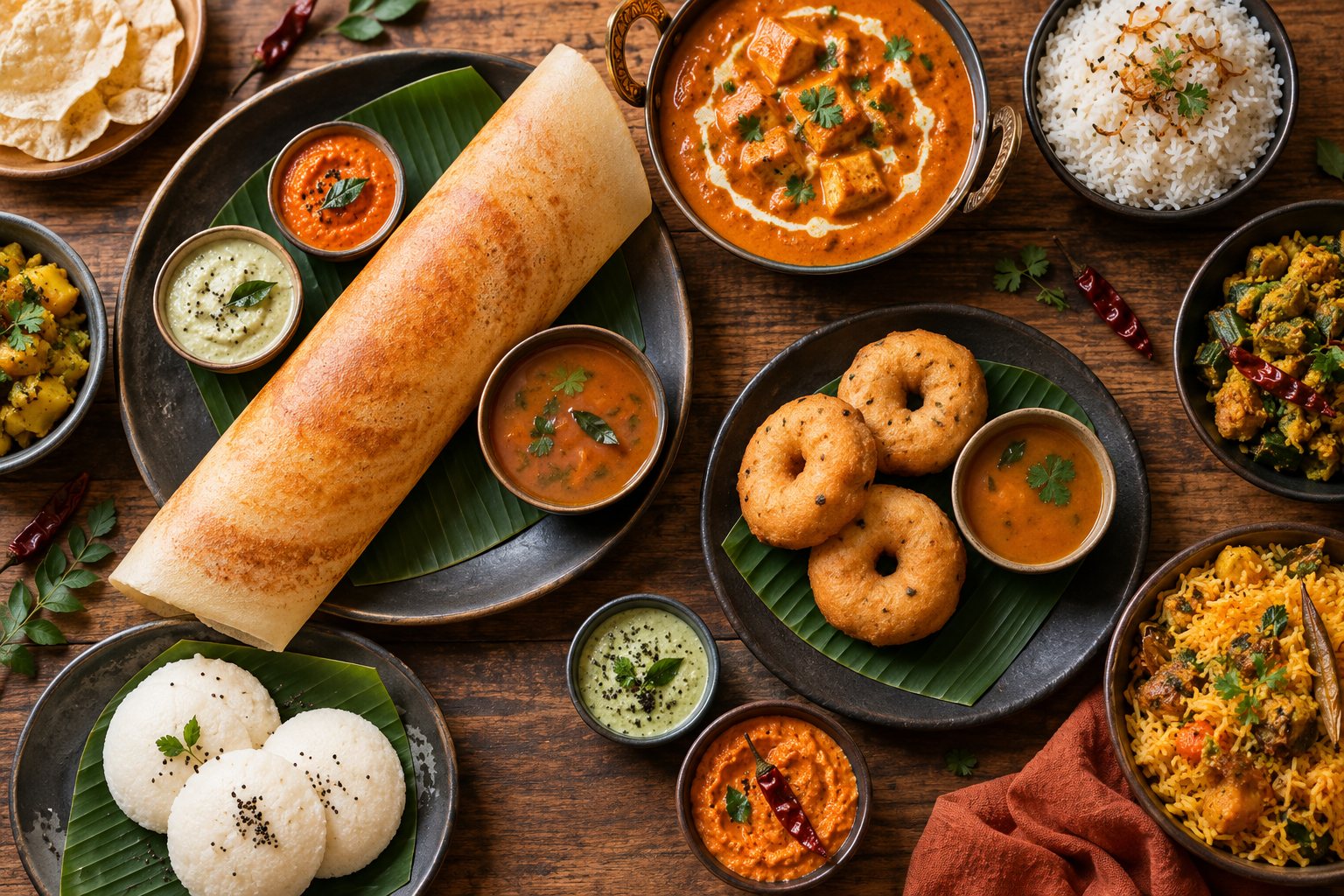
Categories people can find
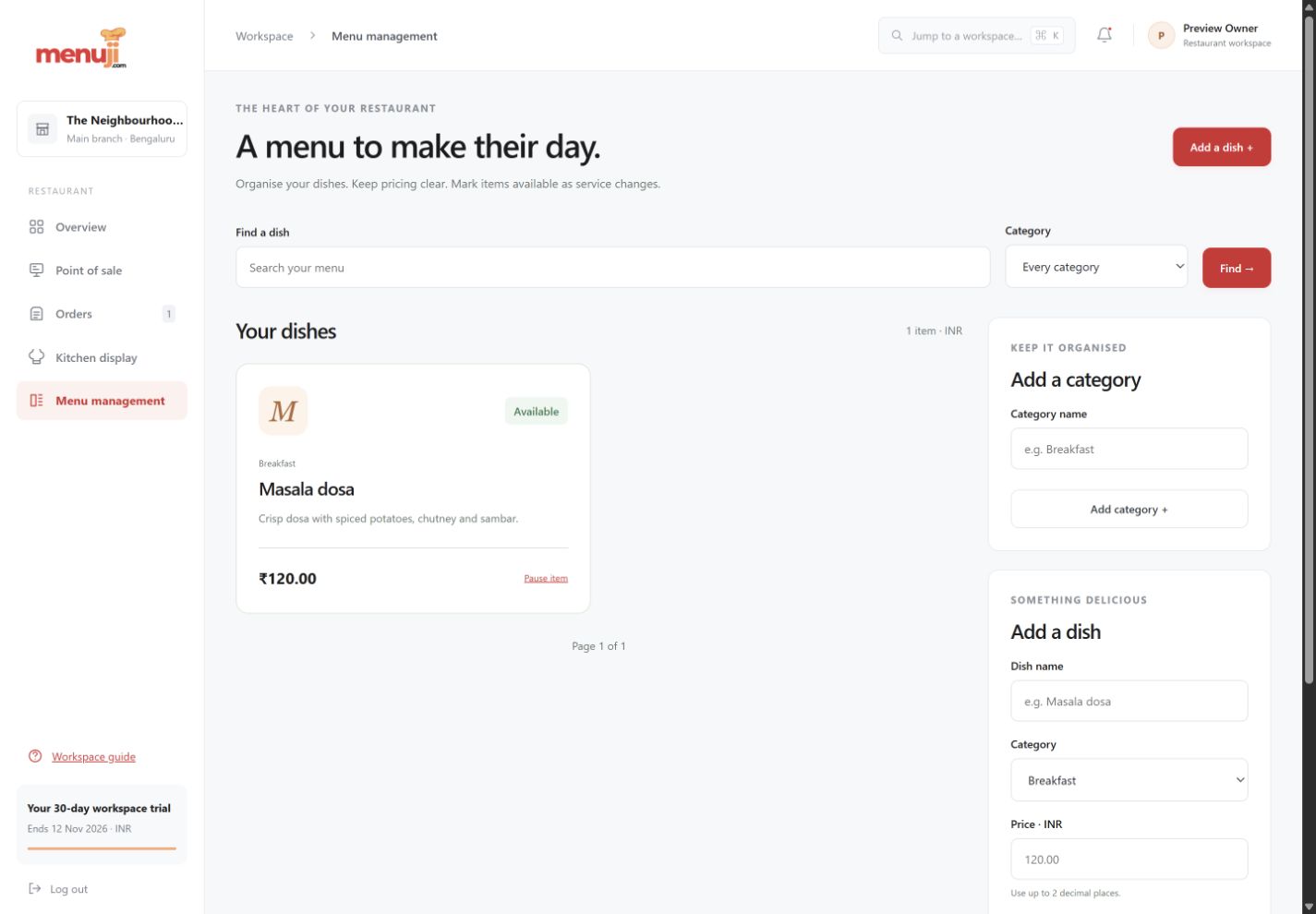
Group dishes into categories, then search and filter the menu instead of scrolling through a long list.
Prices and dietary labels together
Save a dish name, description, price and dietary label in one place. The restaurant’s currency controls price formatting.
Pause a dish when it runs out
Toggle availability so paused dishes cannot be added to new orders. Bring them back when the kitchen is ready.
See the working view.
Three simple steps.
- 01
Create categories for your service.
- 02
Add dishes with prices and dietary details.
- 03
Review availability before and during service.
Current release.
Advanced modifiers, variant pricing, recipes, inventory-linked stock deductions and public QR ordering are on the roadmap.
Feature questions.
Can I hide sold-out items from new orders?
Yes. Availability controls keep paused menu items out of the order-entry menu.
Does availability update inventory stock?
No. Item availability is a manual control in the current release. Inventory and recipe management are planned.
Your next service.
A clearer starting point.
Try the current Menuji workspace for 30 days. No card required to register.