
Every order has a next step.
Make the handover from counter to kitchen easier to follow, one clearly marked status at a time.
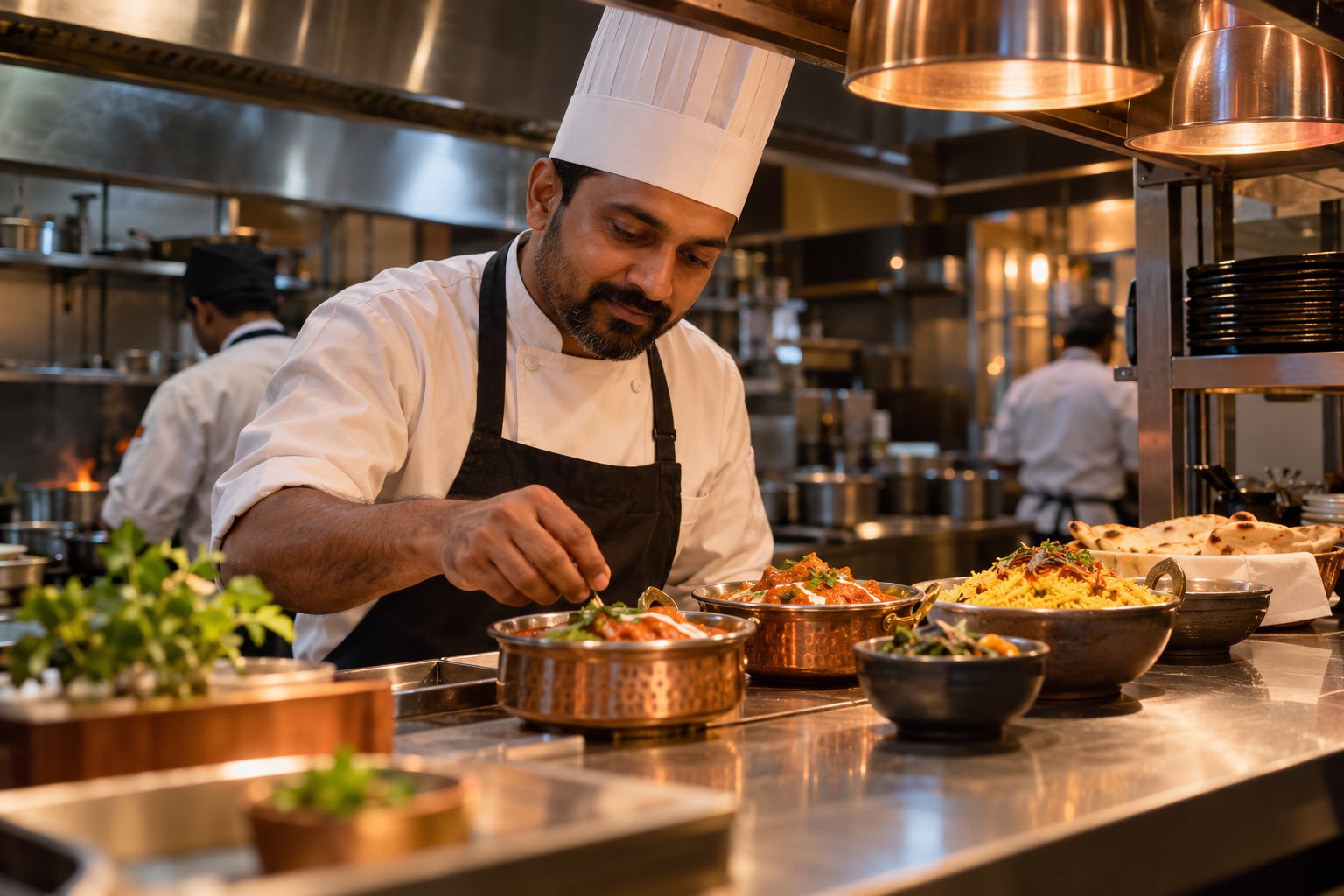
A visible preparation queue
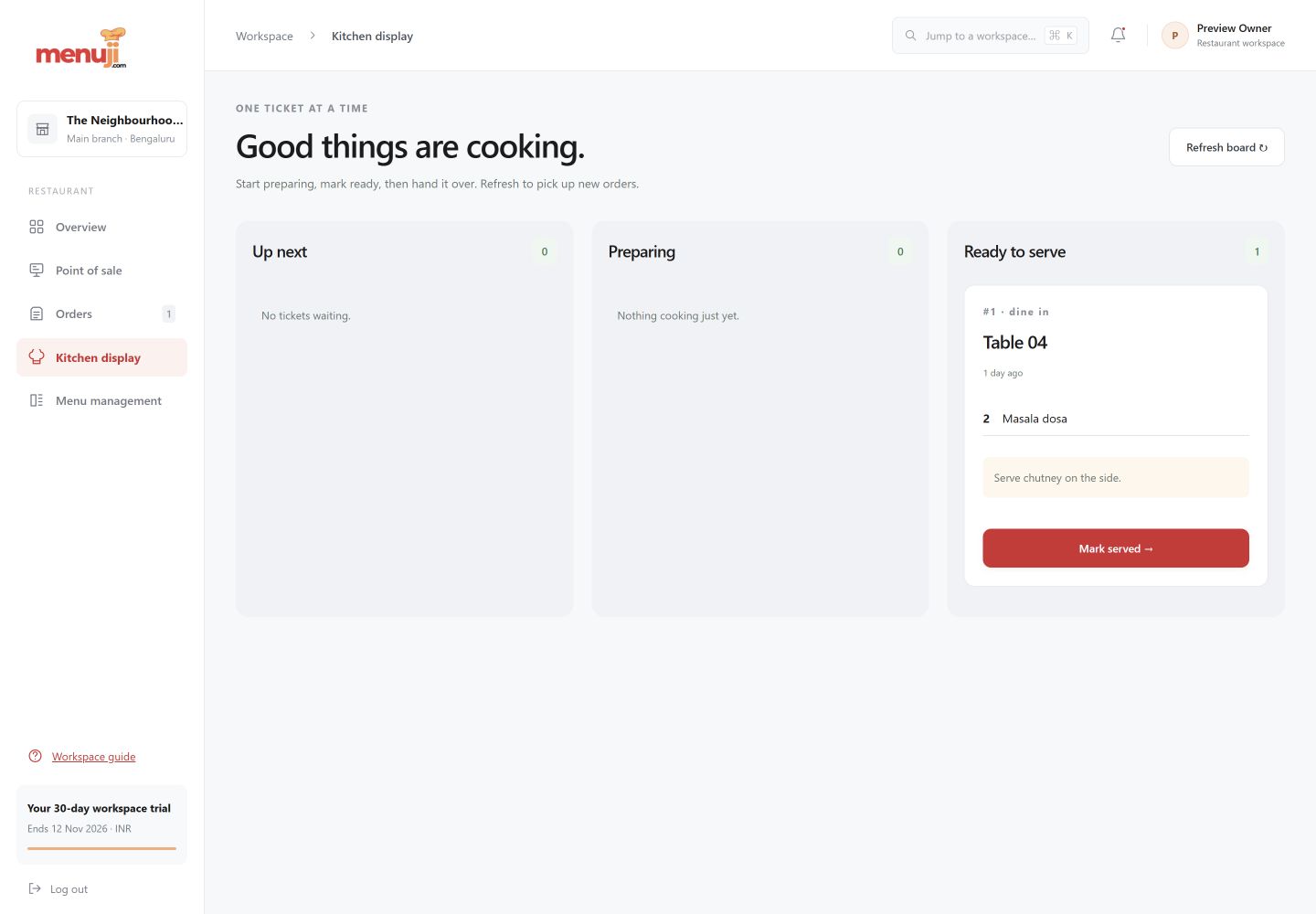
See the dishes, quantities, service reference and notes associated with orders in preparation.
Clear status changes
Move orders from queued to preparing, ready and served. Status changes are recorded in the order history.
A cleaner handover
Use ready status to identify food waiting to leave the kitchen. Refresh the screen to see the latest order state.
See the working view.
Three simple steps.
- 01
Open the kitchen view and refresh the queue.
- 02
Start preparation and mark the order preparing.
- 03
Mark food ready, then complete the service handover.
Current release.
The current kitchen view uses manual refresh. Automatic real-time updates, multiple kitchen routing and thermal KOT printing are planned.
Feature questions.
Does the kitchen display update automatically?
The current release uses manual refresh. Automatic real-time updates are planned.
What kitchen statuses are available?
Queued, preparing, ready and served. Orders can also be cancelled through supported order workflows.
Your next service.
A clearer starting point.
Try the current Menuji workspace for 30 days. No card required to register.